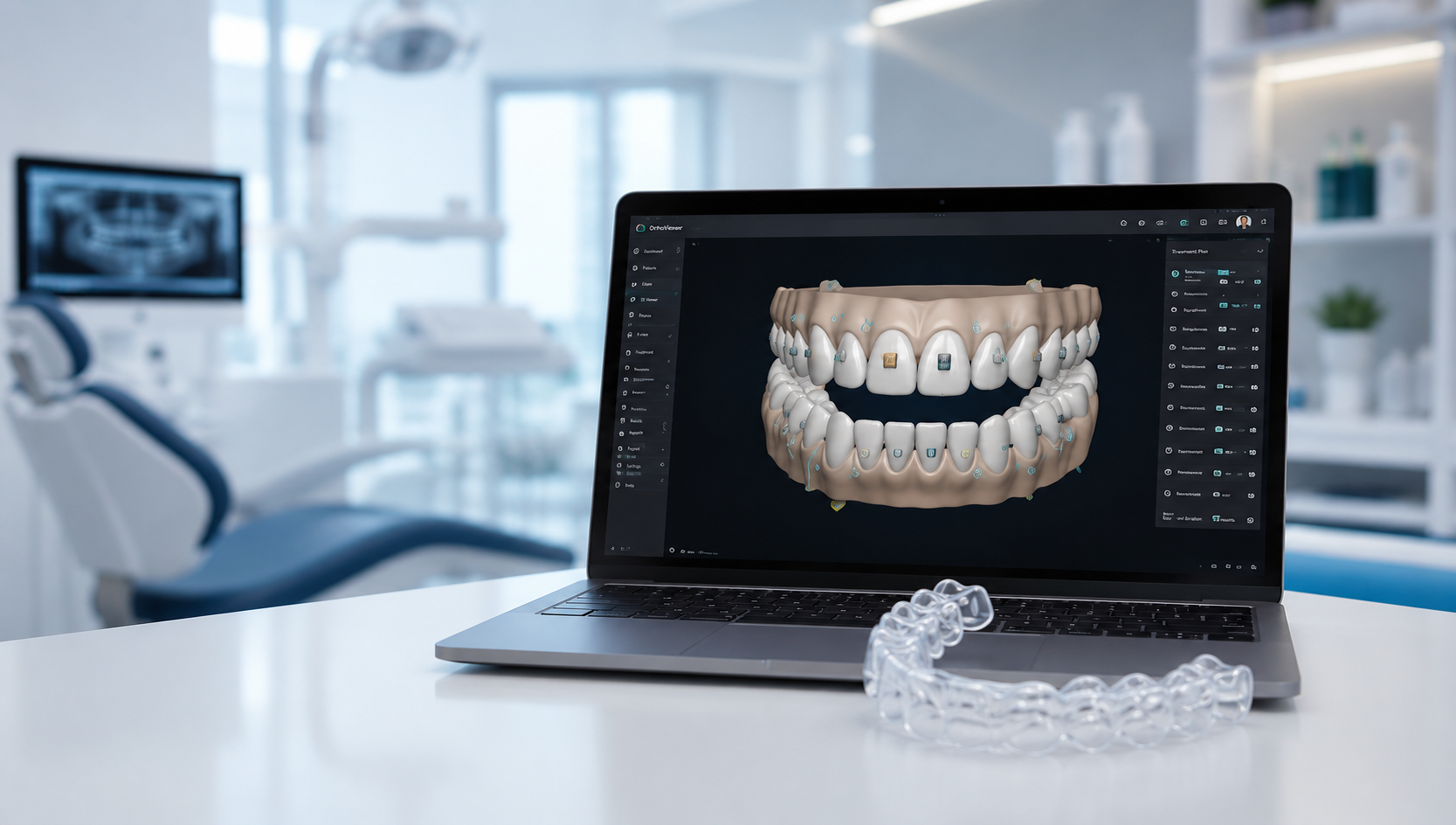
Dental CAD design has completely reshaped the modern world of dentistry. Today, dentists and dental technicians can produce highly accurate, natural-looking dental restorations—thanks to advanced computer-aided design tools. Gone are the days when everything depended on manual impressions, hand carving, and guesswork. Now, everything is digital, swift, and incredibly precise.
What Is Dental CAD?
Dental CAD (Computer-Aided Design) refers to the use of specialized software to digitally design dental restorations such as crowns, bridges, veneers, dentures, and implants. It transforms traditional workflows into digital ones, making the entire process faster and more predictable.
Why CAD Technology Matters in Dentistry
Think of CAD as the backbone of digital dentistry. It eliminates human error, provides unmatched precision, and enhances patient comfort. Instead of taking messy impressions, a scanner captures the mouth digitally, and CAD software handles the design with pinpoint accuracy.
Evolution of CAD in Dentistry
Early Development of Dental CAD/CAM
When CAD/CAM was first introduced in the 1980s, the concept sounded futuristic. The first systems were slow, limited, and expensive. Yet they opened the door to a revolution that changed dentistry forever.
Modern Advancements in Design Software
Today’s CAD systems are smarter, faster, and extremely user-friendly. AI suggestions, automated margin marking, automatic occlusion adjustments, and cloud storage allow designers to work more efficiently than ever before.
Core Components of Dental CAD Systems
CAD Software
This is the heart of the entire workflow. The software helps the technician design the restoration, adjust anatomy, check occlusion, and prepare the final file.
Digital Scanners
These scanners capture 3D images of the patient’s mouth. They may be intraoral scanners (IOS) or lab scanners.
CAM Milling or 3D Printing Integration
Once the design is ready, it is exported to CAM software for milling or printing. This gives life to the digital design.
The Dental CAD Design Workflow
Step 1 – Scanning
A digital scan replaces traditional impressions. It’s quick, clean, and highly accurate.
Step 2 – Model Preparation
The scan is cleaned, aligned, and refined before beginning the actual design.
Step 3 – Margin Marking
Margin marking determines the boundary of the restoration. It is one of the most critical steps in CAD.
Step 4 – Designing the Restoration
The software uses AI or templates to generate a restoration shape. The technician fine-tunes morphology, contacts, and occlusion.
Step 5 – Validation & Testing
Before exporting, the software checks for errors, thickness issues, and undercuts.
Step 6 – Exporting to CAM
The final file (usually STL) is exported to a milling machine or 3D printer.
Types of Dental Restorations Designed in CAD
Crowns
The most common restoration. CAD ensures a natural look and perfect fit.
Bridges
CAD simplifies designing multi-unit restorations with proper contact points.
Veneers
Ultra-thin and aesthetic restorations designed with precision.
Implants and Abutments
CAD allows the creation of custom abutments and screw-retained crowns.
Dentures and Aligners
Digital dentures and orthodontic aligners are now widely produced using CAD.
Benefits of Using CAD for Dental Restorations
Precision and Accuracy
Digital designs ensure near-perfect margins and occlusion.
Faster Production Time
Same-day crowns? Yes! CAD makes it possible.
Better Patient Experience
No discomfort from impression trays.
Consistency and Reproducibility
Every design follows a structured workflow with predictable results.
Dental CAD Design Software Options
Exocad
One of the most popular software for labs worldwide. Known for flexibility and user-friendly tools.
3Shape Dental System
Renowned for accuracy, scanner integration, and advanced modules.
Dental Wings
A powerful solution with robust design capabilities.
Other Popular Tools
CEREC, Blender for Dental, and Zirkonzahn.
Materials Used in CAD Restorations
Zirconia
Strong, durable, and ideal for posterior crowns and bridges.
Lithium Disilicate (E-max)
Great for aesthetics—perfect for anterior teeth.
PMMA
Used for temporary crowns, try-ins, and digital dentures.
Metal Alloys
Less common today but still used for PFMs and implant restorations.
Challenges in Dental CAD Design
Learning Curve and Training
Mastering CAD requires practice and understanding dental anatomy.
Common Design Errors
Incorrect margins, improper thickness, and poor occlusion adjustments.
Hardware Limitations
Slow computers or low-resolution scanners affect productivity.
Tips for Beginners in Dental CAD Designing
Start with Simple Restorations
Crowns are the best place to begin.
Understand Anatomy
Good anatomy creates natural-looking restorations.
Invest in Good Hardware
A powerful computer significantly boosts performance.
Practice Margin Marking
Accuracy in margins determines the success of the restoration.
Future of Dental CAD Design
AI-Driven Automation
AI will automatically design restorations with minimal manual input.
Cloud-Based CAD
Work from anywhere with cloud-storage integration.
Virtual Patient Simulations
Imagine designing restorations based on full facial analysis—coming soon!
Conclusion
Dental CAD design is the heart of modern dentistry. It enhances precision, boosts productivity, improves patient comfort, and ensures restorations look and feel natural. Whether you’re a dental technician, dentist, or student, mastering CAD design opens new opportunities in digital dentistry. As the field continues to grow with AI and cloud technology, the future looks incredibly promising.
FAQs
- What is dental CAD used for?
Dental CAD is used to design digital restorations like crowns, bridges, veneers, dentures, and implant solutions.
- Is CAD better than traditional methods?
Yes, CAD is faster, more accurate, and more comfortable for patients.
- Which software is best for dental CAD?
Exocad and 3Shape are the most widely used options.
- Can beginners learn dental CAD easily?
Yes, with practice and training, beginners can master the workflow.
- What materials can be used with CAD designs?
Zirconia, E-max, PMMA, and metal alloys are commonly used.
If you want dental restorations that are precise, efficient, and digitally perfected, welcome to the future of CAD design.